Writing / PostgreSQL & databases · · 3 min read
Multi tenant scalable database architecture with data isolation
What is a multi tenant system:
A multi-tenant system allows multiple distinct groups (or tenants) to use the same software application without interfering with each other. Think of your database as a building with four floors, each rented out to a different tenant. Ideally, each tenant should only have access to their floor and not the others.
Example Scenario
Imagine you have a product where different organizations manage their internal knowledge bases. Naturally, each organization would not want others to access their data. This scenario exemplifies a multi-tenant product.
There are 2 raw ways if you think of non overlapping access to the organization.
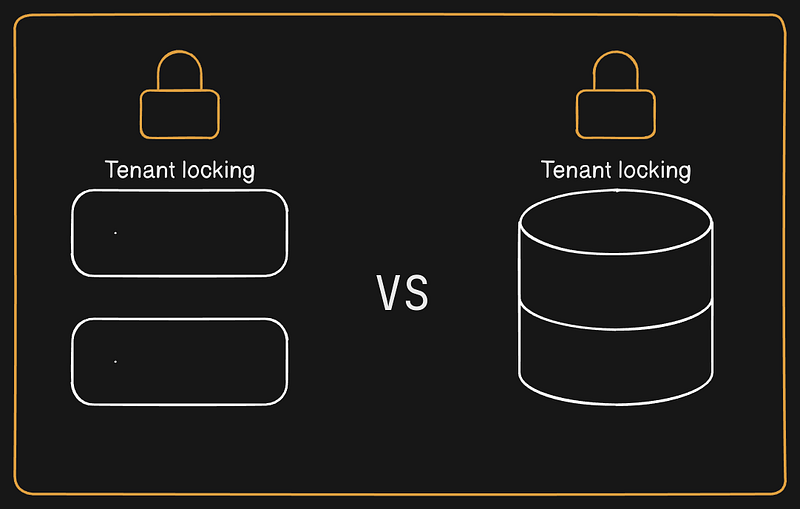
1. Custom Logic in the Backend
You can write custom logic to handle access control, ensuring users only access their organization’s data. Here’s an abstract example of such a function:
const userToken = request.headers["Authorization"];
const user = userToken.decode();
// Check if the user belongs to the organization by querying the database
const organization = get_org_use_case(user.id, user.orgId);

if (!organization) {
  throw new Error("User does not belong to the organization.");
}
This logic needs to be implemented in each route. Using middleware can help streamline this process, but if you forget to add the middleware, it can lead to security issues.
2. Offload the Task to the Database
This article focuses on implementing multi-tenancy at the database level. There are three straightforward ways to achieve this:
There are 3 major straight forward ways:
Separate Database for Each Tenant
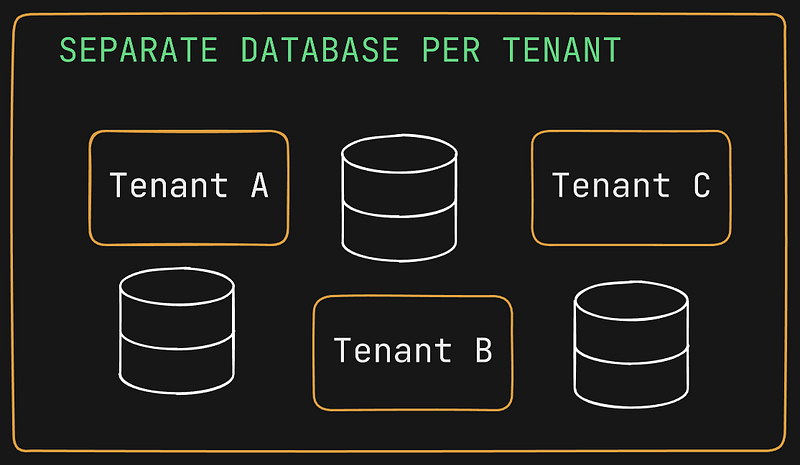
In this approach, a separate database is created for each new organization that signs up. This method provides strong data isolation since each organization’s data resides in a separate database.
A high level code for this looks like:
const userToken = request.headers["Authorization"];
const user = userToken.decode();
const dbConn = // establish database connection with proper database depending on organization
const queryResponse = await dbConn.query("Select * from xyz;")
console.log(queryResponse)
Pros:
- Strong isolation and security.
Cons:
- High cost and resource usage.
Separate Schema for Each Tenant
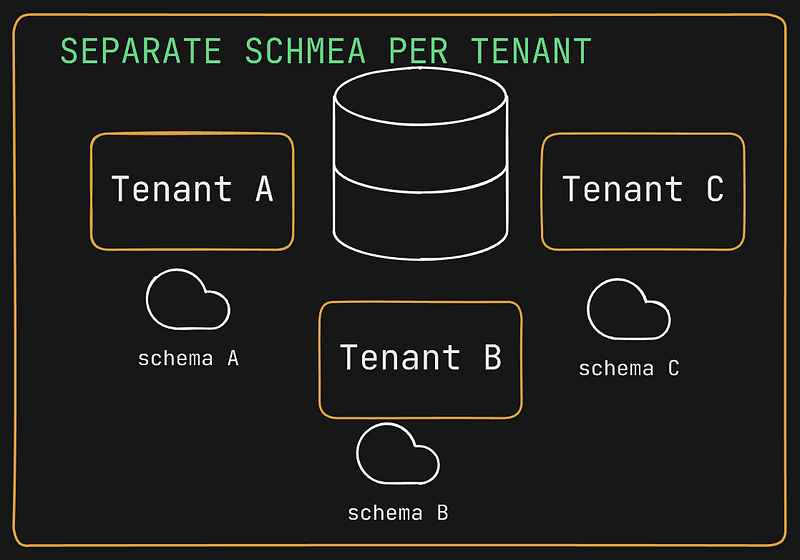
Schemas in a database act as logical groupings of resources, like directories containing files. By default, operations occur in a public schema. You can create a separate schema for each organization and switch to the appropriate schema based on the request.
Let’s say organization A tables are in schema A and organization B tables are in schema B. Each time a request comes to database we will be selecting a specific schema for organization and then making subsequent queries.
For keeping separate schema, you need to switch to the org schema when request comes in. This can be achieved by setting the search_path for each user database transaction or at request level.
A high level code for this looks like:
const userToken = request.headers["Authorization"];
const user = userToken.decode();
await dbConn.query(`set search_path to ${user.orgSchema}`)

// make subsequent calls
Add a middleware for switching the schema on runtime. So in every request this will run and for the subsequent request the schema will be set.
Now you will say how is it different from the custom logic at code level. In this if you forget to add middleware it will result in no result as tables belongs to a particular schema this keeping tenant data isolated.
Pros:
- Good isolation with less overhead than separate databases.
Cons:
- Heavy implementation and management complexity.
Same Database, Same Schema, Same Table for Each Tenant
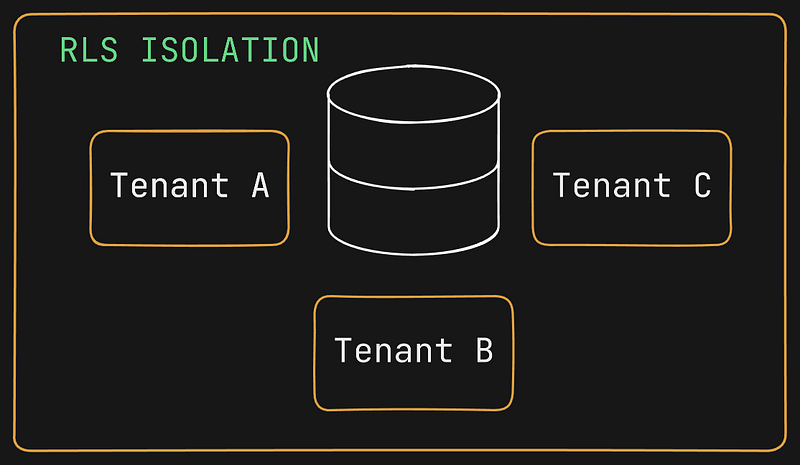
This approach uses a single database, schema, and set of tables for all tenants. Introduce a tenant_id column in each table to differentiate the data. Data isolation is enforced using Row-Level Security (RLS), which applies policies to control data access at the row level.
In RLS, each row is secured with a policy to access the data. If policy allowed the access, the data will be returned else no data will be returned.
Think of this as a society security guard checking the access card before letting you go in.
Pros:
- Cost efficient and efficient
Cons:
- Designing scalable policies
Conclusion
Choosing the right multi-tenant architecture for your application depends on your specific needs and constraints. Whether you opt for separate databases, schemas, or a single database with row-level security, each approach offers unique advantages and challenges. I hope this article has provided a clear overview of the options available and helped you understand how to implement a scalable multi-tenant system.
If you found this blog helpful, please like and share it. I would love to hear your thoughts and experiences with multi-tenant architectures, so feel free to leave a comment below. If you have any questions or need further clarification, don’t hesitate to reach out!
~ Dikshant Rajput
Written by Dikshant Rajput, AI and full-stack engineer. Also published on Medium. Questions? Ask my AI version or get in touch.